Data browser
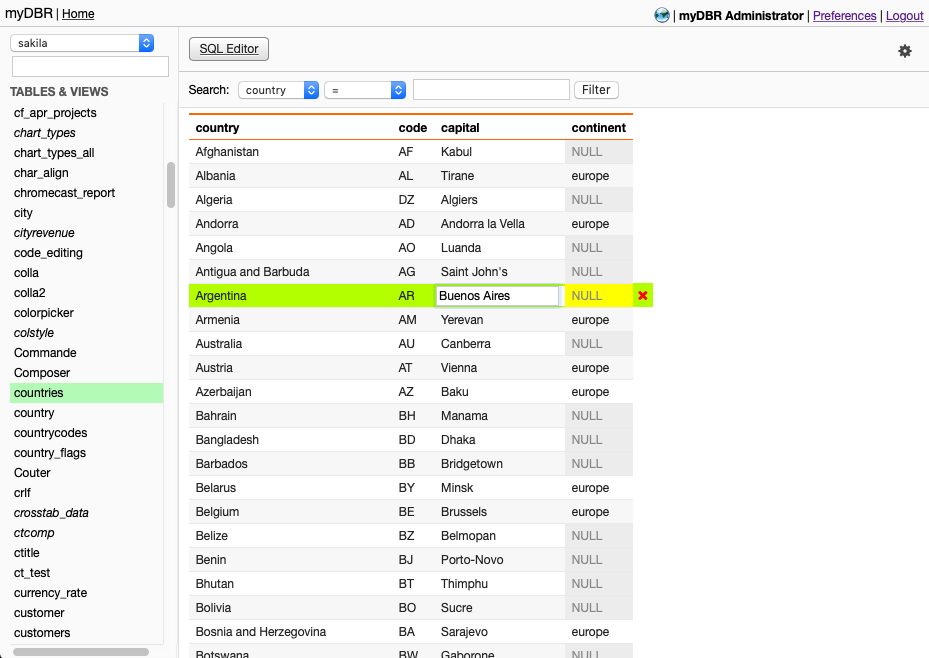
The myDBR Data Browser provides a fast and efficient way to browse, filter, and sort your databases. You can also directly manage your data by creating, modifying, and deleting rows. Columns can be sorted by clicking on the header. All data editing follows your system's locale settings. To set a column value as NULL, enter the value 'NULL' in capital letters.
Preferences allow you to set the default database for display (the last selection is maintained throughout your session) and specify the number of rows shown per page.

Note: The Community version has limited capabilities, including a maximum row limit and no data editing features.