Preferences
The following preferences are available for customizing your editor environment:
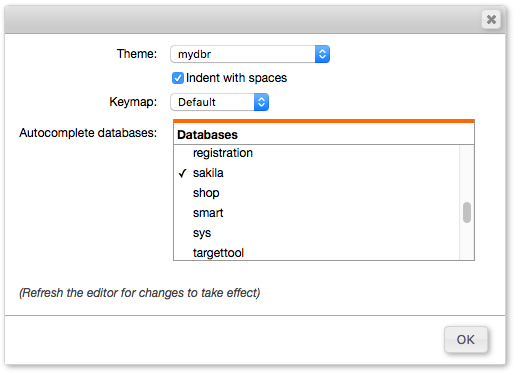
-
Theme
Select a visual color theme for the editor interface. -
Indent with spaces
Configure the editor to use either spaces or tab characters for indentation. -
Keymap
Select from several popular editor keymaps, including standard, Emacs, Sublime Text, and Vim. -
Autocomplete databases
Select which databases should be available for autocomplete. In the editor, use Ctrl+Space (Cmd+Space on Mac) to display suggestions for table and column names.