Output as SQL
The Output as SQL option formats query results as SQL INSERT statements in a new window. This allows you to provide reproducible data sets to myDBR support without sharing your full database structure. This generated SQL is typically sufficient for replicating and diagnosing report issues.
To use this feature, open the report in the SQL Editor and verify the report parameters.
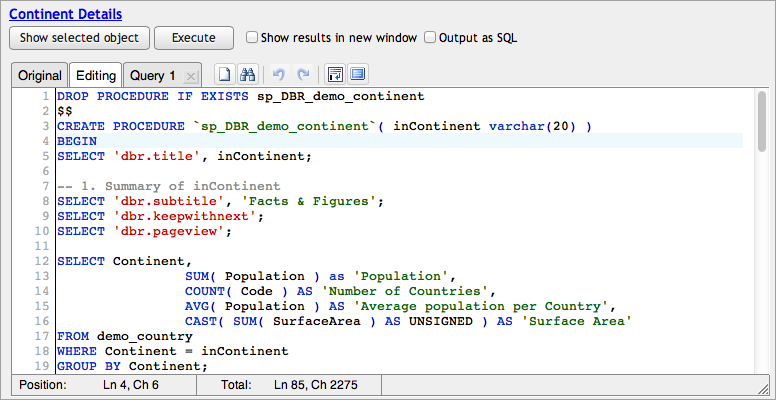
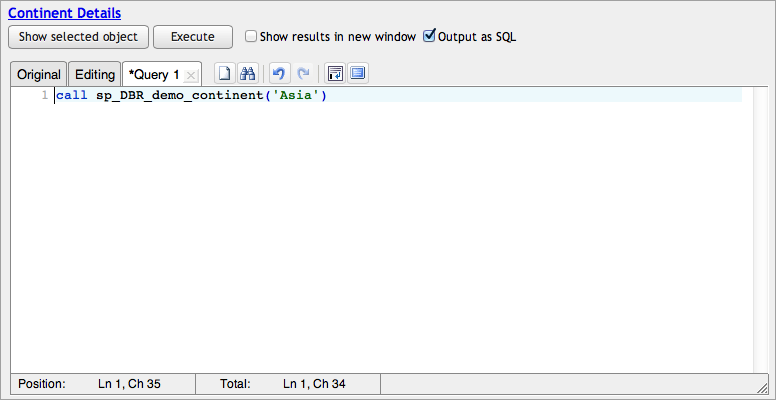
- Navigate to the Query 1 tab.
- Provide the parameters you wish to use.
- Select the Output as SQL checkbox.
- Click Execute.
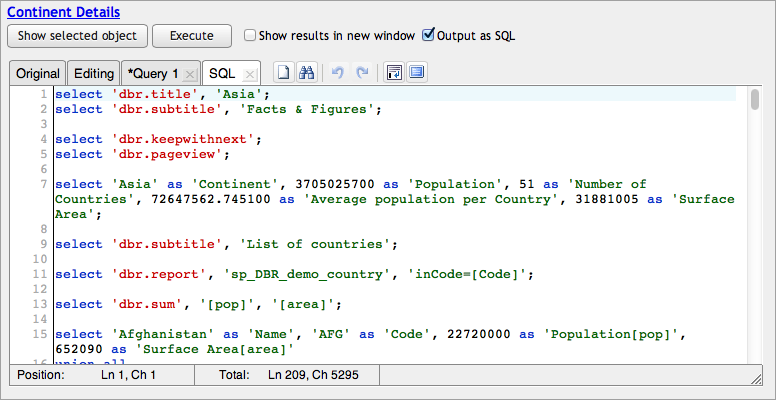
The report procedure will execute, and the resulting data will be translated into SQL statements.
The output is placed in a new SQL tab. You can copy this text into a document and send it to myDBR support. This allows the support team to run the exact report with the same data context without requiring access to your database.
Alternatively, you can generate SQL output directly from any report by appending &export=sql to the report's URL.